Screen recorder pricing, USD
Camtasia Pricing and Camtasia Cost, Every Plan and License Price in USD
What Starter, Essentials, Create, Pro and the Business license cost a year, what each step up adds, and what a team of 3, 5 or 10 editors really pays.
Essentials
$179.88
a year
Pro
$599
a year
Business
$198
per user
Camtasia captures what is on your screen. For the shot you cannot record at a desk, describe it in the panel and generate the clip.
The short answer
Camtasia costs $179.88 a year for Essentials, the cheapest plan without a watermark, $249 a year for Create with AI voiceover, and $599 a year for Pro with avatars, dubbing and a stock library. Starter is $39 but watermarks every video you export from the editor. Teams that need transferable seats pay $198 per user per year on the Business license. Everything is billed yearly, with a 14 day refund window.
$14.99
Essentials per month, paid as one yearly charge
$350
Extra a year from Create to Pro
99
Maximum users on one Business license
14 days
Money back window after purchase
US dollar prices taken from the TechSmith online store checkout with a US billing country and from the plan comparison and FAQ on the same page, checked September 2026. Prices exclude sales tax.
Camtasia plans and what each step up buys
The four individual plans stack on each other. Read them as a ladder, because the real question is never which plan is best but whether the next rung is worth its price for the videos you make.
Rung 1
Starter
$39 /yr
Snagit screen capture with 4K/60fps recording, step guides and redaction. The Camtasia Editor is included but every export carries a watermark.
Buy it for screenshots and quick recordings, not for videos you publish.
Rung 2, plus $140.88
Essentials
$179.88 /yr
Watermark free editor, Audiate text based editing, filler word removal, transcription, unlimited captions, cursor effects, quizzes and SCORM export.
The working plan for tutorials and training you narrate yourself.
Rung 3, plus $69.12
Create
$249 /yr
Scripts generated from a prompt, AI rewriting, text to speech voiceover with 200+ voices, mood and accent control, several voices in one project.
Worth it if nobody on the team wants to record narration.
Rung 4, plus $350
Pro
$599 /yr
49 stock AI avatars, script translation, audio dubbing, still image generation, auto titles and chapters, 100 million+ premium stock assets, brand assets and unlimited Screencast sharing.
For multilingual or presenter led content at volume.
Every plan also includes hosting for up to 25 videos on Screencast, a starter asset library, browser based Camtasia Online at 1080p and live chat support. TechSmith lists the AI actions as unlimited, subject to an excessive use clause in its terms.
Which Camtasia plan fits your team
A solo trainer or customer education lead
Essentials. You get the unwatermarked editor, captions for ADA compliance and SCORM export for the LMS, which is what most course and help center videos need. Move to Create only once you are paying someone for voiceover or skipping videos because nobody wants to record narration.
A team where people come and go
The Business license at $198 per user. It costs $18.12 more per seat than Essentials, and you lose Audiate, but a seat can be reassigned when someone leaves. An individual plan is locked to the buyer's email and cannot be moved.
A company localizing training into several languages
Pro. Translation, dubbing and avatars are Pro only, and they are the features that remove a voice actor and a recording session per language. If you would buy Premium Assets ($199.99) and Screencast Pro ($99.99) as add-ons anyway, Pro is only about $119 more than Essentials with both.
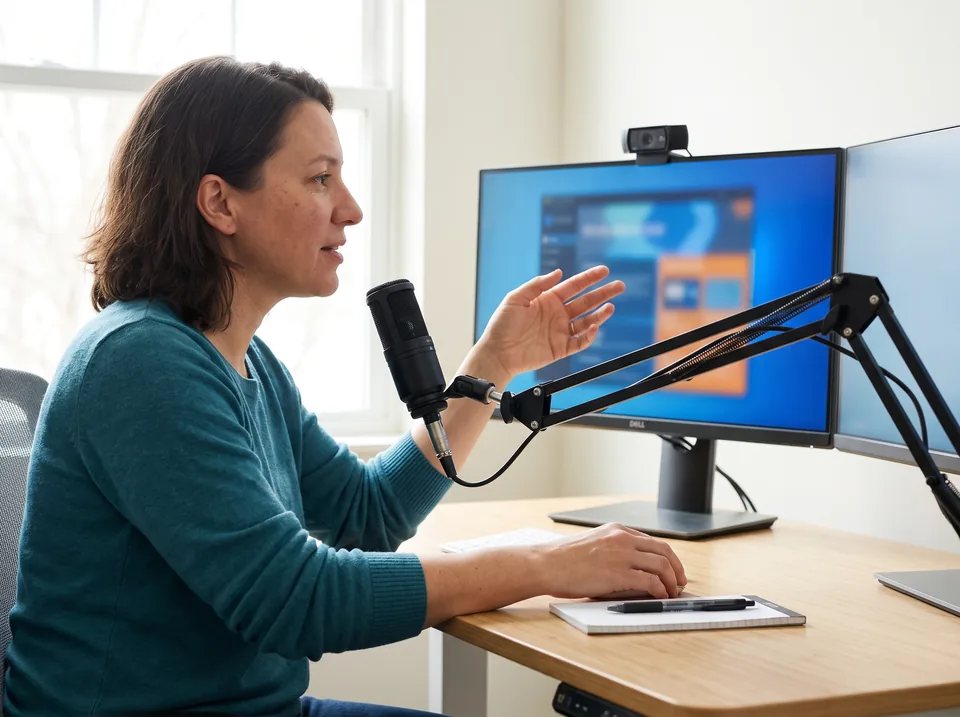
Camtasia license cost for a team, per year
Individual plans are bought one per person, each on its own email. The Business license is one order with seats. Here is the yearly bill for the same number of editors either way.
| Editors | Essentials, individual | Business license | Create, individual | Pro, individual |
|---|---|---|---|---|
| 1 | $179.88 | $198 | $249 | $599 |
| 3 | $539.64 | $594 | $747 | $1,797 |
| 5 | $899.40 | $990 | $1,245 | $2,995 |
| 10 | $1,798.80 | about $1,881 | $2,490 | $5,990 |
Volume discount from 10 seats
The store's Business price drops by about 5 percent per seat at 10 users and above, which is where the $1,881 estimate comes from. It applies up to 99 seats.
Business leaves out Audiate
Business seats include Camtasia Editor and Snagit. Audiate, the text based editor, is sold separately at $199.99 a year if your team needs it.
Enterprise is a flat fee
Above a few dozen users, TechSmith quotes one annual fee for every user, pricing locked for 3 years and a dedicated success manager.
Camtasia add-on prices
Sold on their own, yearly. Pro bundles the first two.
Premium Camtasia Assets
Motion graphics, music, templates
$199.99
Screencast Pro
Hosting beyond the 25 video limit
$99.99
Camtasia Audiate
Text based editing, standalone
$199.99
Camtasia education pricing
Shown on the Education tab of the TechSmith store.
Educators
Teachers, professors and instructional staff at accredited institutions. About 18 percent under the Business list price, billed yearly, transferable, unlocked with a software key.
Students
Verified full time students in the US, UK and Canada, through Student Beans. About a quarter of the Essentials price, non transferable, sign in with no key.
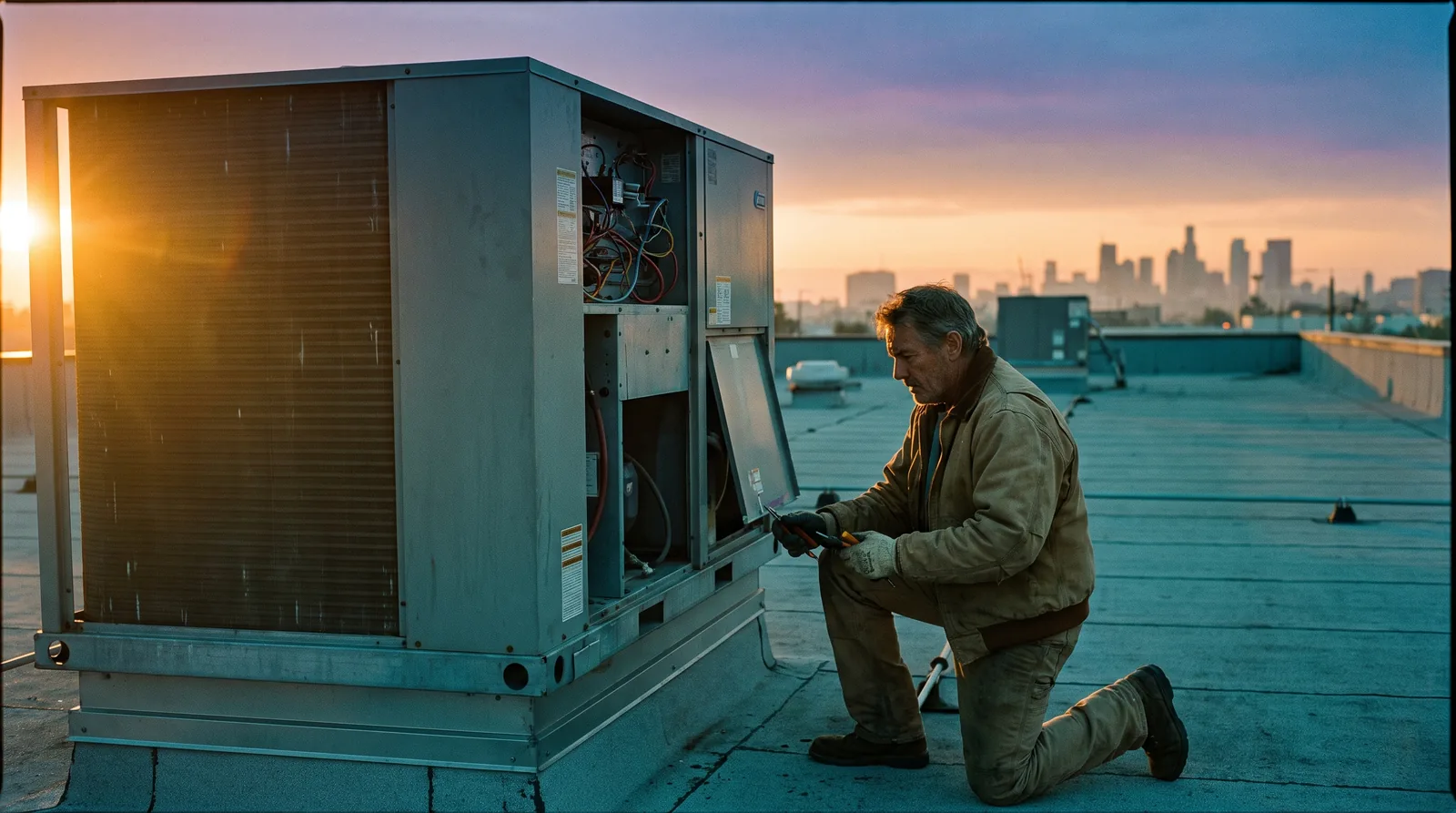
Camtasia pricing next to a scene generator
Camtasia is built around what happens on a screen. The rooftop, the loading dock, the customer at the counter, the product in someone's hands: none of that can be screen recorded, and no Camtasia plan renders it. A training video on HVAC maintenance still needs a shot like this one.
| Camtasia | VideoMake | |
|---|---|---|
| What it makes | Screen and camera recordings, edited on a timeline | Original scene clips from a prompt or a still image |
| Editing, captions, quizzes, SCORM | Yes, from Essentials | No |
| Real world footage you did not film | Stock library on Pro only | Yes, generated to your description |
| How you pay | Yearly, $39 to $599 per person | Monthly or yearly credits, Plus from $24 a month billed yearly |
| Best for | Software tutorials, onboarding, course lectures | Cutaways, establishing shots, product scenes |
For recording and editing, Camtasia is the better buy and we would not pretend otherwise. The two work together: generate the cutaway, then drop the MP4 onto your Camtasia timeline. Plus is $288 a year for 288 seconds of 720p, about 36 eight second shots. More on that workflow on our AI b-roll generator page.
Questions people ask about Camtasia pricing
How much does Camtasia cost?
+
Camtasia costs $39 a year for Starter (watermarked editor), $179.88 a year for Essentials, $249 a year for Create and $599 a year for Pro on individual licenses. The Business license is $198 per user per year for teams of up to 99. Every plan is billed yearly and prices exclude sales tax.
Is Camtasia a one time purchase?
+
No. The TechSmith store now sells Camtasia only as yearly subscriptions, from Starter to Pro, plus the per-user Business license. There is no perpetual license on the store page. If you stop paying, the subscription ends at the close of the paid year.
Can I pay for Camtasia monthly?
+
Not on the TechSmith store. Every Camtasia plan is billed yearly, so the $179.88 Essentials plan works out to $14.99 a month but is charged in one payment. Budget the full annual amount up front, and use the 14 day money back window if the tool turns out not to fit.
What is the difference between Camtasia Essentials and Business?
+
Essentials is an individual subscription at $179.88 a year, tied to one email and not transferable, and it includes Camtasia Editor, Audiate and Snagit. Business is $198 per user per year, licenses can be reassigned, but it includes only Camtasia Editor and Snagit, without Audiate's text based editing.
Does Camtasia have an education discount?
+
Yes. Educators at accredited institutions get a transferable license at roughly 18 percent under the Business list price. Verified full time students in the US, UK and Canada pay about a quarter of the Essentials price through Student Beans. Both are billed yearly and shown on the Education tab of the TechSmith store.
Can I transfer my Camtasia license to someone else?
+
Individual plans cannot be transferred. They are linked to the email used at purchase. If people on your team change often, buy the Business license, which TechSmith sells as transferable seats for up to 99 users, or talk to sales about Enterprise with a flat annual fee.
Does Camtasia offer refunds?
+
Yes. TechSmith's store FAQ says you can return the software within 14 days of purchase for a refund of the product price if it does not meet your expectations. After that window, cancelling stops the next renewal but does not refund the current year.
Does Camtasia generate AI video footage?
+
No. Camtasia records your screen and camera and edits them. Create adds AI scripts and voiceover, and Pro adds 49 stock avatars, dubbing and still image generation, but no plan renders new video scenes from a prompt. Shots you cannot record at a desk need a separate generator.
Comparing Camtasia with other video tools your team might buy? The WeVideo pricing breakdown covers a browser editor with per-seat Business plans, and the Descript alternative guide prices the text based editors Camtasia is most often weighed against.
Need the shot your screen recording cannot show?
Type the scene or upload a product photo and get a 4, 8 or 12 second clip back in 16:9 or 9:16, cleared for commercial use, ready to drop onto a Camtasia timeline.